
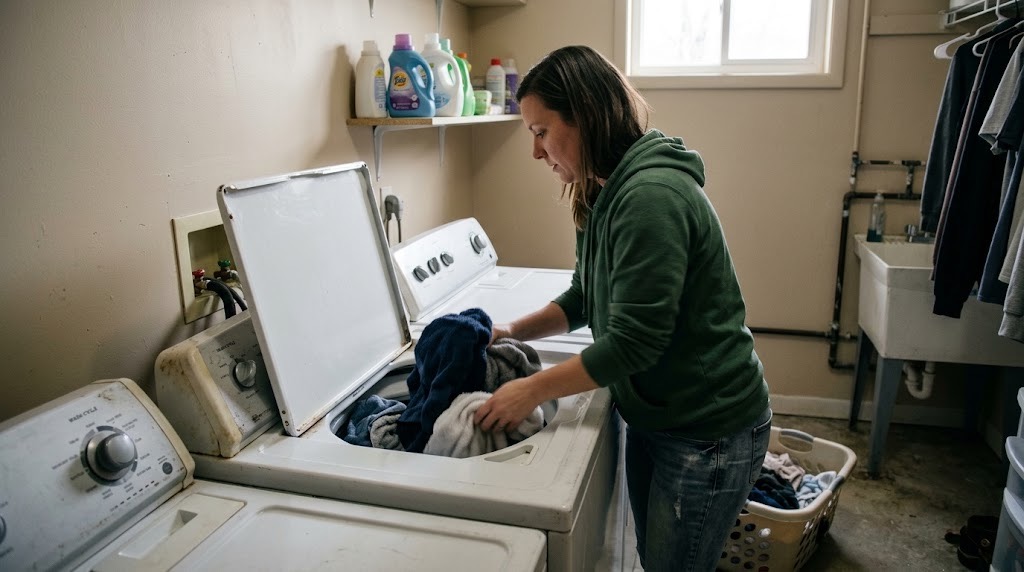
If your washing machine will not start, fill, drain, or spin, or it begins shaking or stopping during a cycle, start with the door or lid, controls, load, and other normal user checks. Many washer problems can be narrowed down without moving the machine or disconnecting anything.
This guide covers the safe checks PMI James River residents can make before submitting a maintenance request. If the problem continues, returns, or you cannot proceed safely, report it through the resident portal. For other household issues, use our resident troubleshooting library or the broader Resident Maintenance page.
If the Washer Will Not Start or Stops During a Cycle
Start with the controls and door or lid rather than trying to access internal parts.
- Make sure the door or lid closes completely and latches normally.
- Check the control panel for Control Lock, Delay Start, Pause, or another selected setting.
- Look for an error code or blinking light and take a photo before clearing it.
- Make sure the load is not so large that the door cannot close or the machine cannot operate normally.
- If the washer stopped during a cycle, note when it stopped and whether water remains inside.
If the washer appears completely dead, note whether the control panel lights at all and whether other nearby electrical devices have power. Do not open electrical panels, remove the washer cabinet, or attempt internal electrical troubleshooting.
If the Washer Is Not Draining
If water remains in the washer after the cycle, first try the machine's normal drain control.
- Check the control panel for an error code.
- Use Drain & Spin or the equivalent normal cycle option if your washer provides one.
- Note whether the water level drops when that cycle runs.
- Listen for whether the washer appears to be trying to drain.
- Check whether water is backing up or overflowing from the laundry drain or standpipe.
A washer that does not drain while the household drain remains normal stays in the appliance troubleshooting path. If the laundry standpipe or another drain independently backs up or overflows, that points toward a plumbing problem instead.
Do not disconnect the washer drain hose or pull the machine away from the wall to investigate.
If the Washer Is Shaking, Banging, or Will Not Spin
An uneven or overloaded washer can shake, stop during spin, or leave clothes wetter than expected.
- Pause the washer using its normal controls.
- Wait for the machine to stop and unlock normally.
- Redistribute tangled or bunched clothing around the drum or basket.
- If the washer is heavily loaded, remove some items and retry the cycle.
- Use Drain & Spin or a normal cycle after correcting the load.
Whirlpool demonstrates the basic process in its out-of-balance washing machine guidance.
Do not move the washer, try to level its feet, or reach behind it. If reasonable load redistribution does not stop repeated banging, shaking, or spin failures, submit a maintenance request.
If the Washer Has Too Many Suds, Will Not Fill, or Does Not Finish Normally
Excess detergent, an unbalanced load, a control setting, or another washer problem can interfere with a normal cycle.
- Check that you are using the detergent type intended for the washer. Use HE detergent when the machine requires it.
- Do not add extra detergent to correct a washer that already has excessive suds.
- Check the selected cycle and normal control settings.
- Confirm that the door or lid is fully latched.
- For a fill problem, note whether no water enters at all or whether the machine fills only partially.
- Take a photo of any error code or unusual control-panel message.
If the washer repeatedly stops, fails to fill normally, or cannot complete a cycle after the obvious control, latch, load, and detergent checks, report the problem.
If the Washer Is Leaking
If water is escaping from the washer, stop the cycle. If the hot and cold wall shutoff valves are readily accessible without moving the machine, turn them clockwise to close them. Do not pull the washer away from the wall to reach valves that are not safely accessible.
Move belongings away from the water and wipe up or contain accessible water where you can do so safely.
Water coming from the washer door, dispenser, tub, or another internal appliance component remains a washer issue. Water escaping from a supply hose connection, shutoff valve, standpipe, or other plumbing connection follows our water leak and shutoff guidance.
Do not disconnect hoses or move the machine to find the source. If water is near an outlet, cord, control panel, or other energized electrical equipment, stop and keep clear of the area rather than continuing to troubleshoot.
What to Include in a Washer Maintenance Request
If these checks do not resolve the issue, the problem returns, or you cannot safely complete a step, submit a request through the PMI James River resident portal.
Include:
- whether the washer will not start, fill, drain, spin, or finish the cycle;
- the brand and model if readily visible;
- a photo of any error code or control-panel message;
- whether the door or lid latches normally;
- whether water remains inside the washer;
- whether Drain & Spin changed the water level;
- whether redistributing or reducing the load changed the problem;
- whether you noticed excessive suds;
- photos of any leaking water and where it first appears; and
- when the problem began and what part of the cycle is affected.
Those details help us understand the symptom and route the request appropriately without asking you to repeat troubleshooting you have already completed.
Published: September 2, 2026