
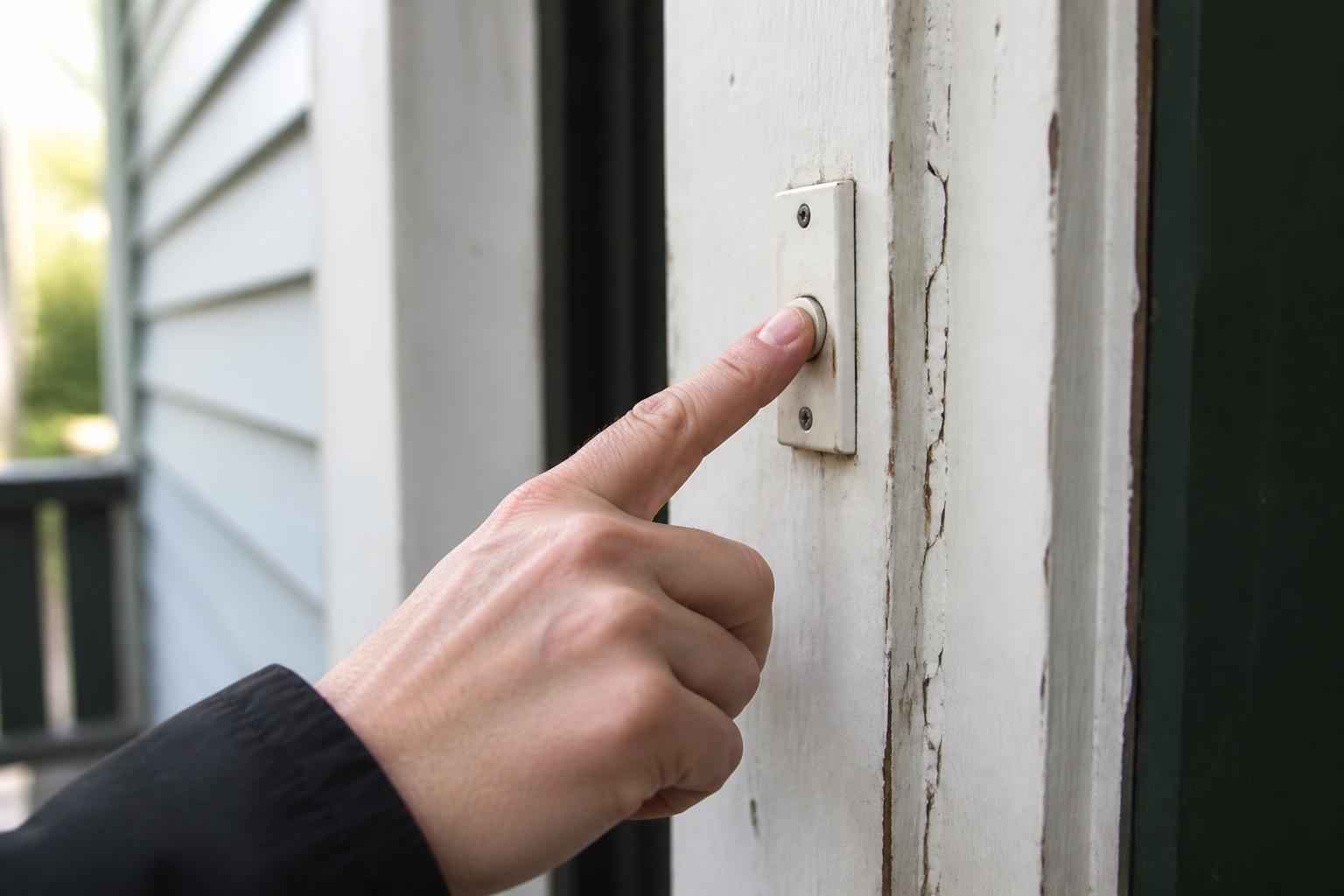
A doorbell problem can be as simple as a depleted battery or muted chime, or it can involve low-voltage wiring, a transformer, the indoor chime, Wi-Fi, or a supplied smart-device account. Residents can handle ordinary controls, batteries, and manufacturer-intended battery access. Wiring and configuration-changing resets stay out of the troubleshooting path.
Stop if the doorbell, chime, or nearby electrical equipment is hot, scorched, wet, sparking, smelling burned, has loose or exposed wiring, or gives a shock or tingle. Use the electrical warning signs guide.
First Identify What Kind of Doorbell You Have
- Traditional wired doorbell: an exterior button operates an indoor mechanical or digital chime.
- Wireless or battery doorbell: the button or chime uses batteries, a plug-in receiver, or both.
- Smart or video doorbell: the doorbell also connects to an app, Wi-Fi, camera feed, smart speaker, or other platform.
Use visible branding or the authorized app to identify the device. Do not open a transformer, test voltage, alter low-voltage wiring, or take apart the indoor chime to identify the model.
Traditional and Wireless Doorbell Checks
For a traditional wired doorbell, confirm whether the outside button responds at all and whether the indoor chime makes any sound. If the broader area has lost electrical power, use the no power or partial power guide. Do not open the chime or work on doorbell wiring.
For a wireless or battery system, check the ordinary volume or mute control, confirm a plug-in receiver is fully plugged into a working outlet, and replace or charge its normal battery according to the device instructions. A simple battery cover, security screw, faceplate, or quick-release battery may be removed and reinstalled when the manufacturer clearly treats that as ordinary battery service.
Smart or Video Doorbell Checks
Start with the checks that apply across brands:
- Confirm the home's Wi-Fi is working for other devices.
- Check whether the doorbell shows online or offline in the authorized app.
- Check the battery or charge status when the model uses a battery.
- Check ordinary chime, mute, quiet-time, volume, and notification settings.
- If Live View works but the indoor chime does not, include that distinction in your report.
Do not factory-reset a supplied smart doorbell, erase its configuration, transfer ownership, remove and re-add it to an account, or perform a setup step that could wipe existing property configuration unless PMI James River specifically directs that action.
Ring
In the Ring app, check Device Health, battery level, and whether the device is online. Ring's current offline-device guidance uses Device Health and normal network checks before deeper resets.
For Ring models with a removable Quick Release Battery Pack, Ring's normal charging procedure includes removing the security screw and faceplate, sliding out the battery, charging it, and reinstalling it. That is appropriate resident maintenance when the installed model matches those instructions.
Some Ring doorbells have a built-in battery and must be lifted off the mounting bracket to charge. Only do that when you know the installed unit is operating as a wire-free battery-only doorbell. If the doorbell is hardwired, you see wires, or you are not sure whether wires are attached behind it, leave it mounted and submit a maintenance request.
The Ring video above is model-specific and shows a wire-free second-generation battery doorbell being removed from its bracket for charging. Do not apply that removal step to a hardwired or unknown installation.
Google Nest Doorbell
Check the device's online status, battery status where applicable, and the ordinary chime or Quiet Time settings in the Google Home app. Google's current Nest doorbell chime troubleshooting begins with user-level power and app settings before moving into chime connectors and wiring. Stop before those wiring steps.
Arlo Video Doorbell
Check whether Silent Mode is enabled and whether the normal app settings match the behavior you want. Arlo provides current guidance for Silent Mode and doorbell chimes. Stop before wiring, transformer, or installation work.
ecobee Smart Doorbell Camera
Use the ecobee app for ordinary status, connectivity, and doorbell behavior. The ecobee Smart Doorbell Camera resources can help identify the supplied wired device, but wiring and installation are not resident troubleshooting.
When to Submit a Maintenance Request
If the doorbell or chime remains unavailable after the reasonable resident checks, the smart device is assigned to a prior account, you do not have the required authorized access, or the next step would require wiring, opening the transformer or chime, a factory reset, an ownership change, or uncertain removal of a hardwired device, submit a request through the Rentvine resident portal.
Include whether the doorbell is traditional, wireless/battery, or smart; the brand and model if visible; whether the outside button responds; whether the indoor chime rings; whether the app shows online or offline; whether Live View or notifications work; the battery or charging result when applicable; any recent Wi-Fi or router change; and photos or app-status screenshots when useful.
For related door, lock, window, and garage issues, use the Doors, Windows & Garage troubleshooting guide. For other household issues, use the PMI James River resident troubleshooting library.
Published: September 2, 2026