
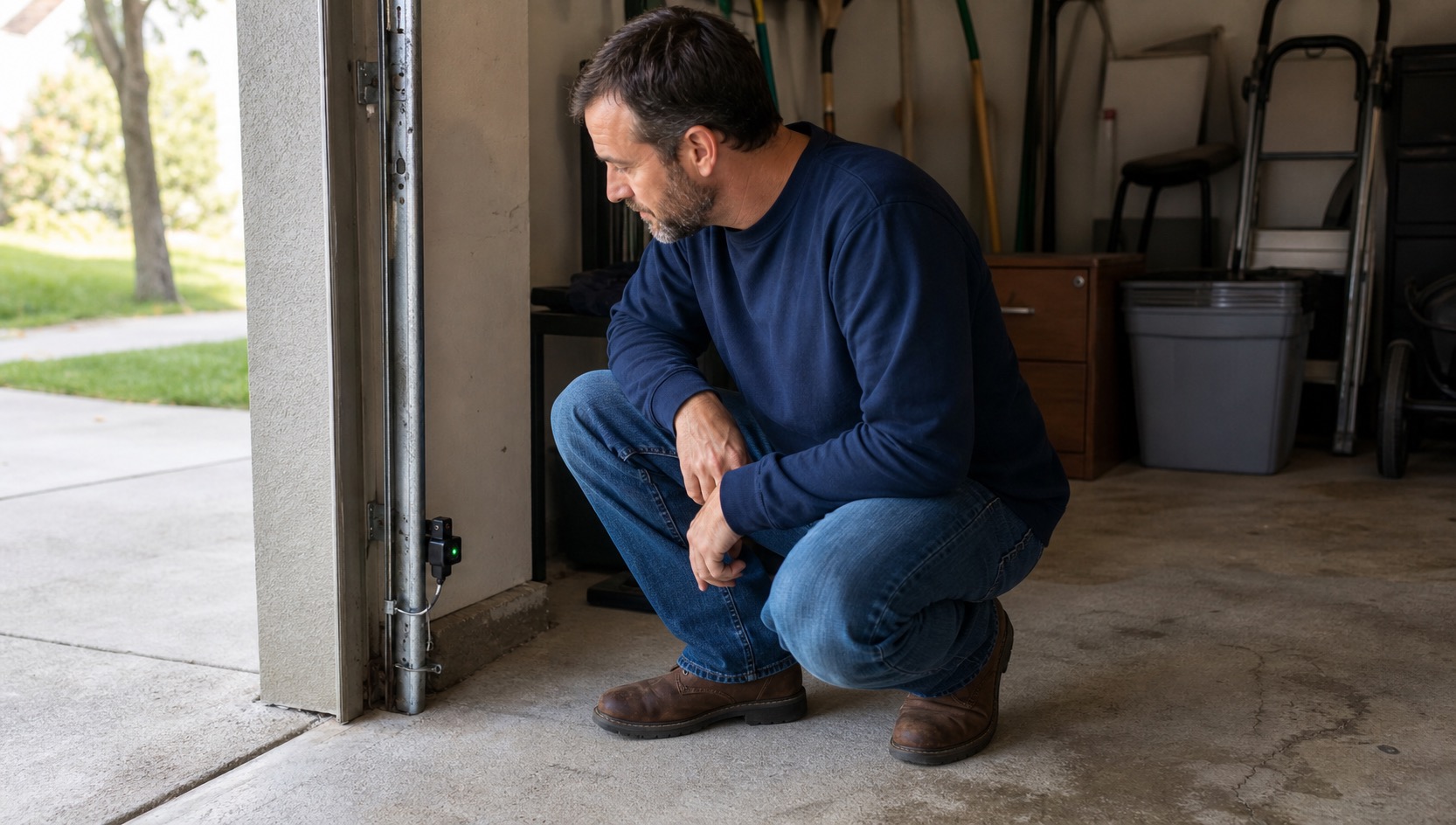
A garage door that will not open or close can have a problem with the physical door, opener power, wall control, remote, keypad, safety sensors, or smart-garage connection. Test the normal controls separately before assuming the whole system has failed.
Start With the Wall Button, Remote, Keypad, and App
Try each normal control you have. If the wall button operates the door but a handheld remote does not, check the remote battery and make sure the wall control is not in Lock or Vacation mode.
If the wall button works but the exterior keypad is the problem, use our Garage Door Remotes, Keypads & Access Codes guide.
If no control works, look at the opener from the floor. If its plug and receptacle are readily visible, make sure it is plugged in. A clearly related GFCI or tripped breaker may be reset once when the area is safe and dry. If it trips again, stop.
If the Door Starts Down and Reverses or Will Not Close
Clear boxes, bikes, leaves, trash cans, cobwebs, and other objects from the doorway and safety-sensor path. Wipe loose dirt from the sensor lenses.
If the exact opener manufacturer treats sensor alignment as an ordinary adjustment, an accessible sensor can also be gently realigned. Chamberlain, for example, instructs users to loosen the receiving sensor's wing nut, point the two sensor lenses toward each other, and retighten the wing nut when the indicator is steady.
Do not move the sensors to a different height, disconnect wiring, or bypass the safety system.
If the Opener Clicks or Runs but the Door Does Not Move
Do not keep cycling the opener. Make sure an obvious manual slide lock on the garage door is not engaged. You can also look to see whether the emergency-release trolley appears disconnected.
If the door needs to be operated manually during a power or opener failure, use the emergency release only when the door itself appears mechanically sound. The door should be fully closed if possible, with no visible broken spring, damaged cable, off-track roller, crooked panel, or other mechanical damage.
Once released, stop if the door feels unusually heavy, binds, drops, or will not stay where expected.
If the Physical Door Works but the Smart App Does Not
If a wall control or remote still operates the door normally, check the home's Wi-Fi and the garage device's status in the authorized app.
Chamberlain and LiftMaster myQ systems and Genie Aladdin Connect systems have model-specific connection instructions. A router replacement, Wi-Fi-name change, or password change can explain why an otherwise working opener appears offline.
If a supplied system requires administrator credentials you do not have or asks you to erase or take ownership of the existing configuration, report the setup issue rather than resetting it.
When to Stop Immediately
Do not operate or manually release a garage door that is crooked, off track, jammed, unusually heavy, or has a visibly damaged spring, cable, roller, or track. Keep people clear of the opening and report the condition.
If the Garage Door Still Does Not Work
Submit a request through the PMI James River resident portal. Include whether the door is open, closed, or partway open; which controls work; whether the opener has power; what the sensor lights are doing; any visible error or app message; and whether a vehicle is trapped.
Return to Doors, Windows & Garage Troubleshooting for related entry and access problems.
Published: September 2, 2026