
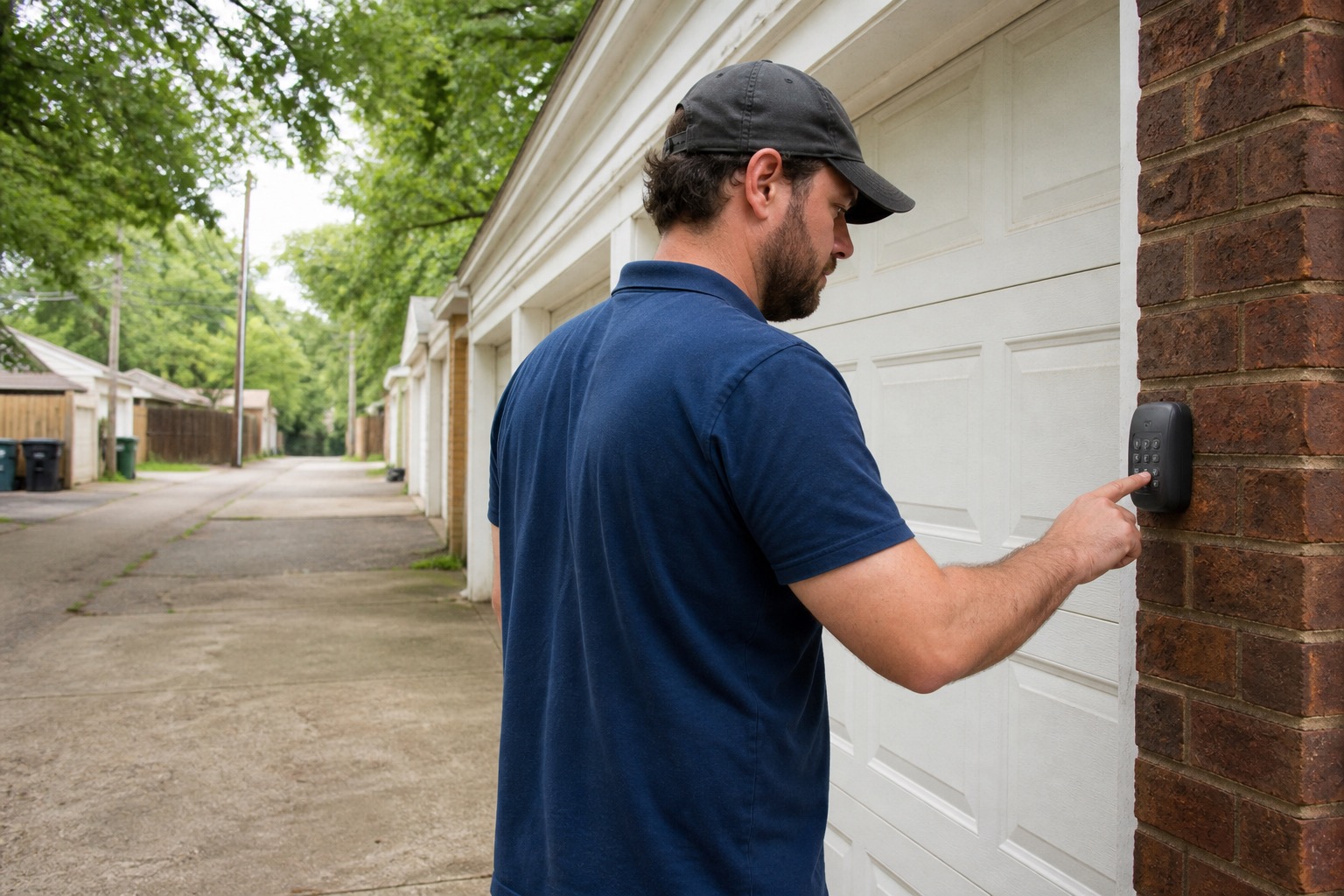
If your Richmond rental has a garage remote or exterior keypad, ordinary resident tasks can include replacing its accessible battery and, on many common systems, changing an existing working keypad PIN.
The important distinction is between changing a PIN on an already working keypad and pairing or resetting the garage opener itself. The first is often a straightforward keypad task. The second can affect every remote, keypad, or smart-garage device connected to the opener.
Identify the Keypad and Opener First
Look for the visible brand and model on the keypad, remote, wall control, or opener. Do not use unsafe ladder access merely to read an opener label.
The keypad and opener do not always have the same brand because universal accessories exist. When possible, identify both.
If the Remote or Keypad May Need a Battery
If the wall control operates the garage door normally but the remote or keypad is intermittent, dim, or unresponsive, check its user-accessible battery.
Battery access varies. Chamberlain, LiftMaster, Genie, and Overhead Door keypads can use sliding covers, small release points, ordinary screws, or accessible battery compartments depending on the model.
Normal battery replacement should not require clearing opener memory. Overhead Door specifically states that programming is retained during battery replacement on its OKP-BX keypad.
Chamberlain and LiftMaster: Changing a Known Working PIN
Many Chamberlain and LiftMaster keypads, including Chamberlain 940ESTD and several related 376, 377, 877, 940, and 976 family models, support a keypad-only change when you know the current PIN:
- Enter the current programmed PIN.
- Press and hold the # button until the garage-door opener light blinks twice.
- Enter the new four-digit PIN.
- Press ENTER.
- Test the new PIN.
Use the exact keypad model before applying that sequence. Universal Chamberlain keypads and some newer or older products can use different programming procedures.
Genie: Changing a Known Working PIN
Genie has more than one common keypad sequence.
Genie GK2-R
- Enter the current PIN.
- Press and hold the * button until the green LED flashes, approximately five seconds, then release it.
- Enter the new PIN, using three to eight digits.
- Press and release * once.
- The LED flashes twice to confirm the change.
The current Genie GK2-R also supports a temporary PIN. Its normal PIN-change process does not require pressing the opener's programming button.
Older Genie WKP / GK-R Style Keypads
For common WKP/GK-R instructions, the existing-PIN change uses the current PIN, the PROGRAM button once, the new three- to eight-digit PIN, and the PROGRAM button once again.
Because the newer GK2-R uses a different STAR-button method, identify the keypad before following either sequence.
Overhead Door: Changing a Known Working PIN
For the current Overhead Door OKP-BX CodeDodger keypad:
- Enter the current PIN.
- Press PROGRAM.
- Enter the new PIN.
- Press PROGRAM again.
- Test the new PIN.
Overhead Door's official wireless-keypad video demonstrates several functions. The PIN-change section begins around 2:59.
The same video also covers new pairing and factory reset. Those are different tasks. Use the PIN-change section when you already have a working keypad and simply want a new PIN.
What If You Do Not Know the Current PIN?
That can require a different programming path and, depending on the opener and keypad, access to a LEARN or PROGRAM button on the ceiling-mounted opener.
Contact PMI James River before using a procedure that tells you to clear opener memory, erase all remotes or keypads, factory-reset the opener, or take ownership of a supplied myQ, Aladdin Connect, or similar administrator account.
Clearing opener memory can remove other working remotes, keypads, and connected devices. It is not the normal way to change a known working keypad PIN.
Temporary PINs
Some Chamberlain, LiftMaster, Genie, and Overhead Door keypads support a temporary PIN without replacing the regular code. Use the exact model's instructions because the activation period and button sequence vary.
If the Garage Door Itself Is Not Working
If the wall control also fails, the door reverses, the safety sensors are involved, or the physical door is not moving normally, switch to Garage Door & Opener Problems. That is a malfunction rather than an access-code setup issue.
If You Need Help With a Supplied Remote or Keypad
Submit the details through the PMI James River resident portal. Include the opener brand and model if safely visible, keypad or remote model, whether the current PIN still works, and what you are trying to change.
You can also return to Doors, Windows & Garage Troubleshooting if you are not sure whether the issue is the access device or the garage door itself.
Published: September 2, 2026