
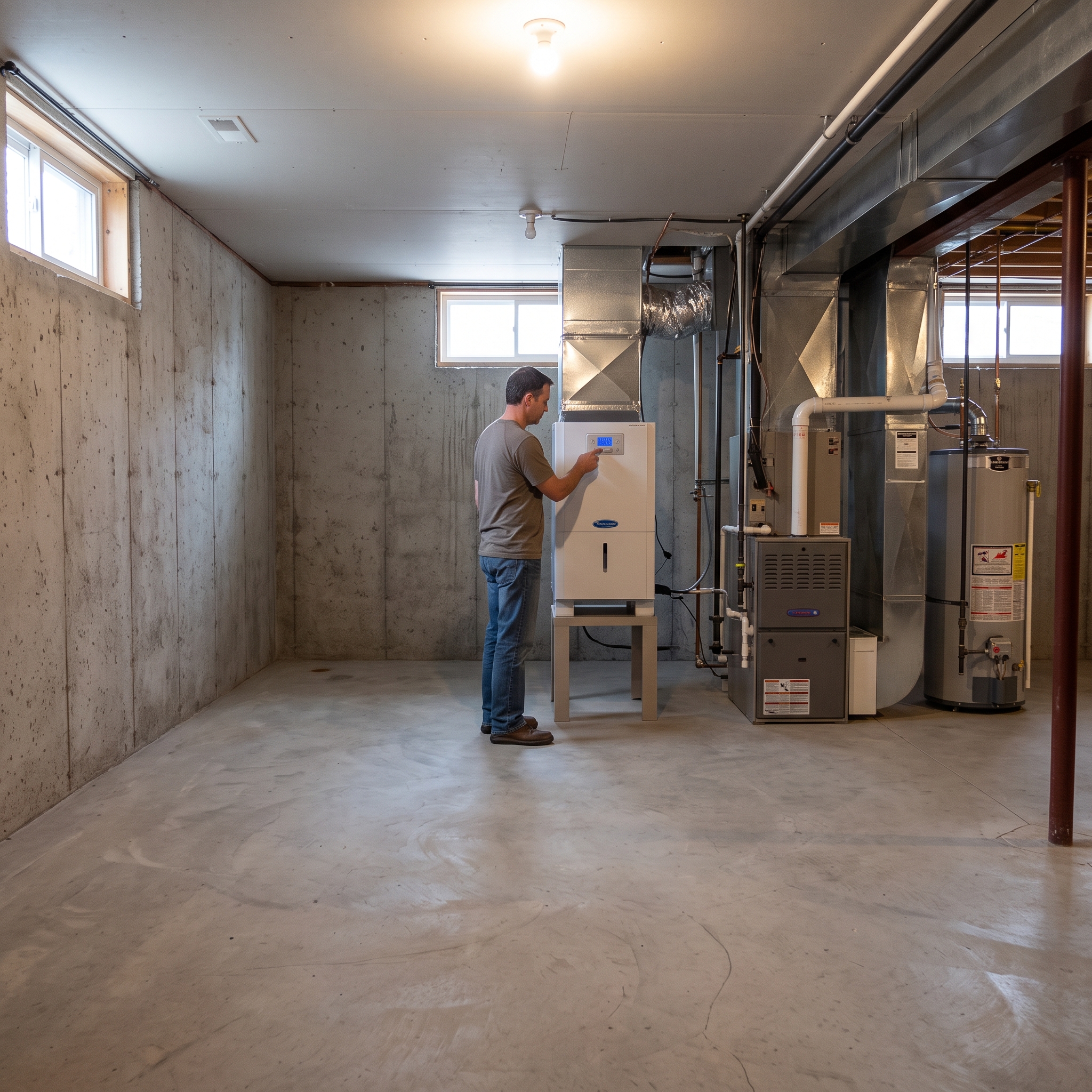
Some Richmond rentals have a supplied whole-house humidifier or dehumidifier connected to the home's HVAC or duct system. If that equipment stops operating normally, shows an alarm, leaks, or no longer seems to affect indoor humidity, start with the visible controls and symptoms.
Do not open HVAC panels, alter water connections, remove drain components, or change installer settings.
Key Takeaways
- First identify whether the problem is with the humidity equipment itself or with indoor humidity generally.
- Photograph the normal humidistat, display, alarm, service indicator, and equipment label.
- Do not open HVAC, electrical, plumbing, or internal equipment compartments.
- A leak or electrical warning sign takes priority over humidity troubleshooting.
Is the Equipment Actually Showing a Problem?
Look at the normal resident control, humidistat, thermostat interface, or visible equipment display. Note the current setting and any alarm, service message, or error code.
If the main complaint is condensation, damp indoor air, or high humidity but the equipment itself is not showing a fault, use our Condensation, High Humidity & Ventilation Problems guide.
Check Only Normal User Controls
If the system has an ordinary resident-facing humidistat or approved app, confirm the visible mode and setting. Do not enter installer configuration, equipment setup, wiring, or unfamiliar service menus.
Some whole-house humidifiers also have water-panel or service indicators. Those indicators are model specific. If your property's instructions assign the related routine replacement to resident care, follow the exact manufacturer and property instructions. Otherwise, photograph the message and report it.
Use Humidity Readings as Context, Not a Diagnosis
If a normal thermostat, humidistat, or household humidity gauge already shows relative humidity, include that number in the maintenance request.
The EPA's indoor-air guidance generally recommends indoor relative humidity between 30% and 50%. Outdoor weather, the building, HVAC operation, and the exact humidity system can all affect what the home can maintain at a particular moment.
If There Is Water Around the Equipment
Water around a whole-house humidifier or dehumidifier is no longer just a humidity-setting question.
Do not open the unit or disconnect drain or water lines. Protect nearby belongings and contain minor water if that can be done safely. Stay away from water near electrical components.
When to Submit a Maintenance Request
If the equipment does not respond to its normal controls, displays an unresolved alarm, leaks, repeatedly stops, or the condition continues after ordinary settings have been checked, submit a maintenance request through the resident portal.
Include the visible setting or humidity reading, equipment/model photo, any alarm or service indicator, whether the main HVAC system is otherwise operating normally, and whether water is present.
For other property-specific systems, return to Special Systems in Richmond Rentals.
Published: September 2, 2026