
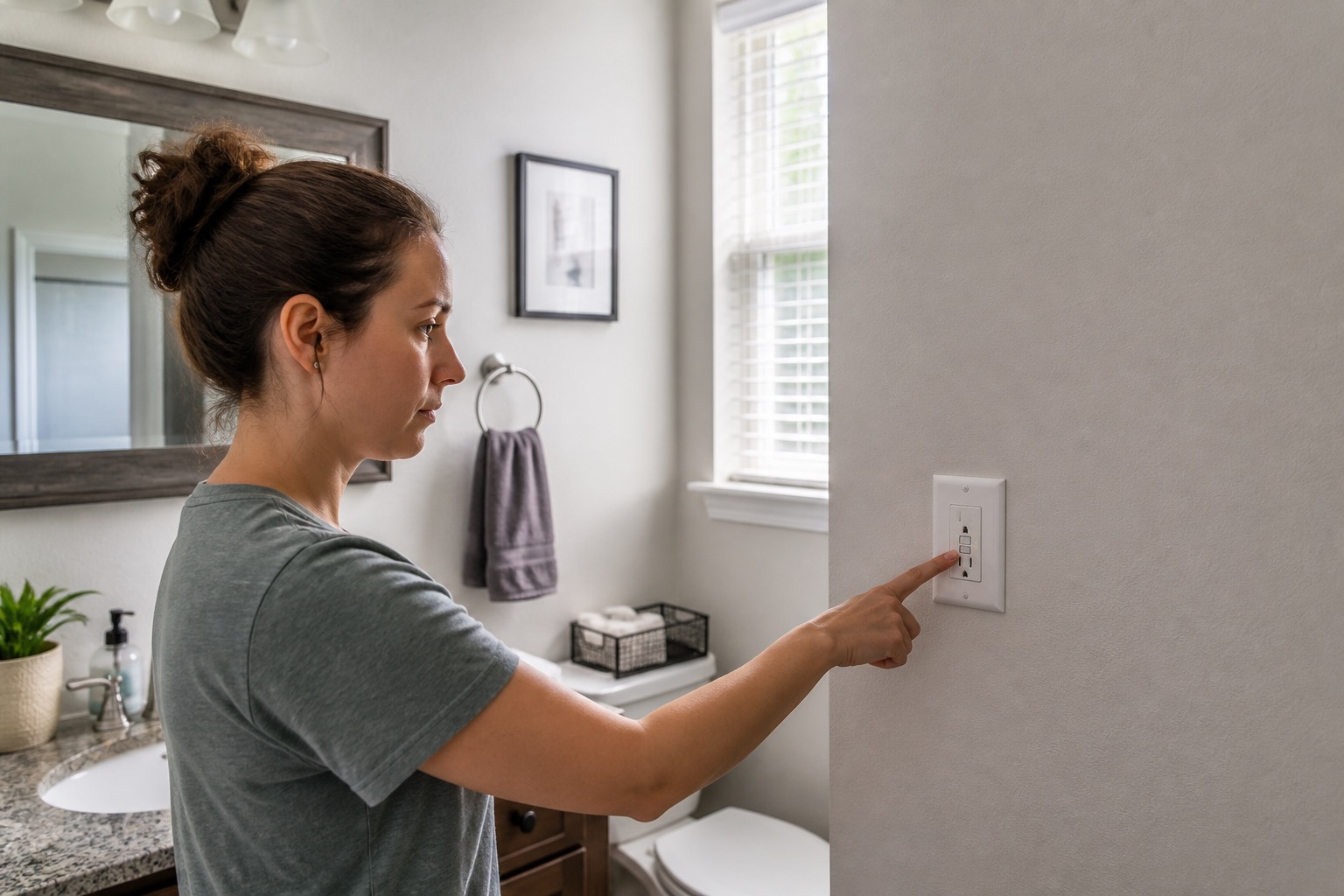
A dead outlet does not always mean the outlet itself has failed. The cause may be a wall switch, a tripped GFCI somewhere else on the circuit, a tripped breaker, or the device you plugged in. Start with the simple checks below only when the outlet is dry, intact, and showing no electrical warning signs.
Do not use an outlet that is hot or unusually warm, discolored, loose, wet, buzzing or crackling, giving you a shock or tingle, or producing sustained or repeated sparks. Use our electrical warning signs guide instead.
Check Whether the Outlet or the Device Is the Problem
- Unplug the device from the affected outlet.
- If the device, cord, or plug looks damaged, feels unusually hot, or smells burned, stop using it.
- If it is safe to do so, try a small known-working device in the affected outlet.
- Try the original device in a different known-working outlet.
- Flip nearby wall switches once. Some homes have a receptacle, or one half of a receptacle, controlled by a wall switch.
If several outlets are dead, note whether they are in a kitchen, bathroom, laundry area, garage, exterior area, or another location where GFCI protection may be involved.
Look for a Tripped GFCI
A GFCI can shut off power to more than the receptacle with the TEST and RESET buttons. One GFCI may protect other outlets farther down the circuit, including outlets in another room.
If there are no electrical warning signs, unplug devices from the affected outlets and press the GFCI's RESET button once. If it will not reset, will not stay reset, or trips again, stop there and report the problem.
The Electrical Safety Foundation International also provides current GFCI test and reset guidance.
If the GFCI Is Not the Problem, Check the Breaker
If the affected outlets still have no power, check the electrical panel only if it is dry and safely accessible. A tripped breaker may sit between ON and OFF rather than clearly in the OFF position.
Use the circuit breaker and fuse guide for the normal one-time reset procedure. Do not remove the panel cover, touch wiring, or keep resetting a breaker that trips again.
When to Submit a Maintenance Request
Submit a maintenance request through the Rentvine resident portal if the outlet remains dead after the reasonable checks, the GFCI will not reset or stay reset, the problem returns, or you cannot proceed safely.
Include the room and exact outlet location, whether one outlet or several are affected, what devices were plugged in when the problem started, which GFCI you reset, the breaker result, whether a wall switch changed anything, and clear photos if safe.
If a larger part of the home has lost power, use the no power or partial power guide. For other household problems, use the resident troubleshooting library.
Published: September 2, 2026