The worst time to learn how a device in your rental works is when it is sounding an alarm, refusing to unlock, reporting a leak, or displaying a warning you have never seen before.
If your Richmond rental includes smart or electronic equipment, spend a few minutes familiarizing yourself with it while everything is working normally. You do not need to become the home's technician. You should know what the important devices are, what they normally do, which controls are intended for you to use, and what their alarms, lights, messages, or notifications mean.
This is especially important for smoke alarms, carbon monoxide alarms, leak or high-water alarms, and professionally monitored systems. For routine care and setup of other household systems, use our Systems Care guide for Richmond renters.
Start With a Smart-Device Walk-Through
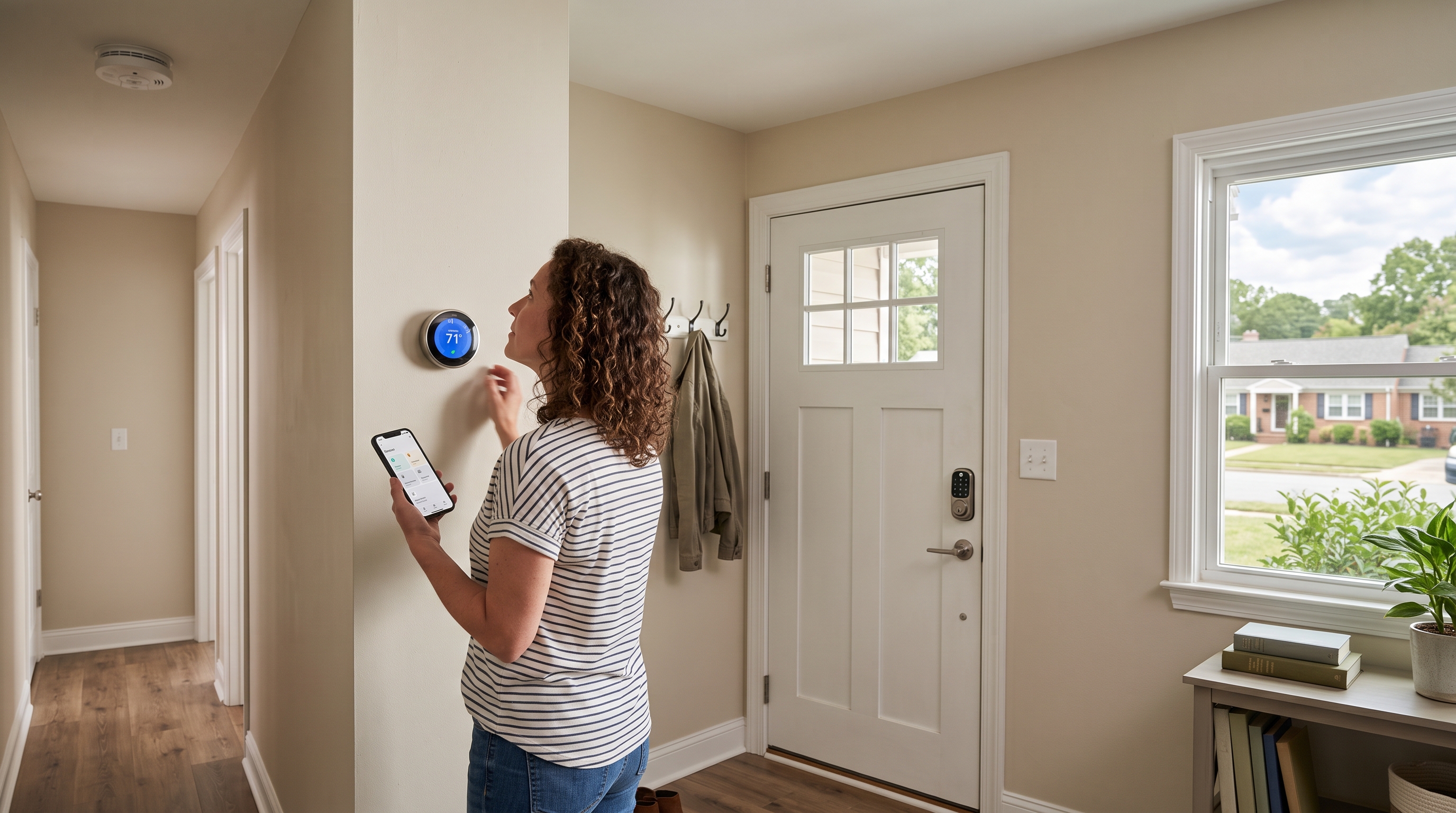
Not every rental has the same equipment. Your home might have only a basic programmable thermostat and ordinary smoke alarms, or it might include electronic locks, connected detectors, a video doorbell, smart garage controls, leak sensors, or a monitored security system.
Walk through the home and identify the equipment that came with the property. For each important device, it helps to know:
- what the device does;
- its visible brand and model, when readily available;
- where its normal resident controls are;
- whether it uses an app, wall panel, keypad, remote, or combination of controls;
- whether you have authorized access to that app or account;
- what its normal lights, sounds, or status messages look like; and
- where to find the manufacturer's instructions if you need them later.
A quick photo of a readily visible brand or model label can also save time later. Do not remove hardwired equipment, open service panels, climb unsafely, or disassemble a device just to find a label.
Learn Your Smoke and Carbon Monoxide Alarms First
Safety alarms deserve priority because a real emergency is not the time to wonder what a particular sound means.
Many common U.S. alarms use repeating groups of three loud beeps for a smoke or fire warning and repeating groups of four for a carbon monoxide warning. A periodic chirp is generally a maintenance, low-battery, fault, or end-of-life signal rather than the emergency alarm pattern. Exact sounds and indicator lights can vary by manufacturer and model, so learn the equipment actually installed in your home.
Smoke alarms should be tested regularly using the alarm's TEST function and the manufacturer's instructions. Testing while conditions are normal does more than confirm that the alarm is operating: it gives you a controlled opportunity to hear what the device sounds like before you ever need to recognize it during an emergency.
If you later have a chirping, nuisance-alarm, battery, or testing problem, use our smoke alarm troubleshooting guide rather than disabling the alarm.
Know Whether Your Alarms Are Connected or Monitored
A smart or professionally monitored alarm system may do considerably more than make noise at the detector that first senses a problem.
Depending on the installed system, one detector can cause other alarms to sound, trigger a base station or indoor siren, make a voice announcement, send a notification to an app, or communicate with a professional monitoring service. Some interconnected alarms can also communicate with each other even when an internet connection is unavailable.
While everything is normal, identify the platform or monitoring system, determine which app or panel you are authorized to use, and learn the manufacturer's approved testing procedure. Professionally monitored systems may have a specific test mode or procedure for routine testing.
During an actual smoke or carbon monoxide alarm, however, the safety response comes first. Do not remain inside navigating an app or trying to determine which connected component initiated the alert.
Learn the Difference Between an Alarm and a Chirp
One of the most useful things you can learn in advance is that not every sound from an alarm means the same thing.
An emergency alarm pattern, an occasional low-battery chirp, an end-of-life signal, a device fault, and a spoken status message can require very different responses. The exact maintenance signals vary enough between models that guessing based on the number of chirps is not a good substitute for the installed alarm's instructions.
If a carbon monoxide alarm is giving its actual CO warning rather than a maintenance chirp, treat that as a safety condition. Our carbon monoxide alarm guide explains the difference between emergency warnings and common maintenance signals.
Understand the Everyday Smart Controls Too
Once you know the safety equipment, familiarize yourself with the other supplied electronic controls you are likely to use.
Thermostats
Know how to use the normal Heat, Cool, Off, temperature, fan, and schedule controls that apply to your thermostat. If it is connected to an app that you are authorized to use, know how to check its normal status there as well.
You generally should not need installer menus, service settings, wiring changes, or a factory reset to operate a supplied thermostat normally.
Electronic and Smart Locks
Know how each normal entrance locks and unlocks, which keypad code or app access has been assigned to you, and whether a mechanical key or other authorized access method is also supplied.
Pay attention to low-battery warnings before the batteries are exhausted. If a supplied lock later stops responding, rejects a previously working code, or loses its app connection, use our smart and electronic lock troubleshooting guide.
Garage Remotes and Keypads
If your rental has a garage, identify the wall control, remotes, exterior keypad, and any supplied smart-garage app. Know which normal access methods work before you depend on one of them to enter the home.
Changing a normal working keypad PIN can be very different from clearing opener memory or pairing the opener again. Our garage remote, keypad, and access-code guide explains that distinction.
Doorbells, Cameras, Leak Sensors, and Other Devices
A supplied video doorbell, leak detector, high-water alarm, security sensor, or other connected device may use lights, sounds, app notifications, or a central panel to report its status.
You do not need to memorize every possible message. Know what equipment is present, what platform it belongs to, and where you would look for the exact meaning of an unfamiliar alert.
Know Which Account You Actually Control
Smart-home equipment can create confusion when the physical device belongs with the rental but its software also depends on an online account.
If PMI James River or the property owner has provided resident access, use the normal controls available through that access. If a supplied device instead appears assigned to another account, asks for an owner or administrator credential you do not have, or tells you to factory-reset it before taking control, stop and report the setup issue.
Do not assume that physically having the device means you should erase its configuration or claim its administrator account.
Do Not Factory-Reset Your Way Into a Bigger Problem
A factory reset sounds like an ordinary troubleshooting step, but on connected property equipment it can erase information that other parts of the home depend on.
Unless PMI James River has specifically authorized the procedure for that property and device, stop before:
- factory-resetting a supplied smart device;
- transferring device ownership;
- changing administrator, master, installer, or service credentials;
- clearing a garage opener's paired remotes and keypads;
- removing and re-adding equipment to an account when that process erases its configuration;
- changing wiring or installer settings; or
- disabling, bypassing, or removing a safety device.
Those actions are different from using normal resident controls, changing an accessible battery where appropriate, or following an approved testing procedure.
Make the First Five Minutes of a Problem Easier
If you have familiarized yourself with the equipment in advance, a future problem becomes much easier to describe.
Instead of reporting that "something is beeping" or "the smart thing isn't working," you may already know which device is involved, where it is located, what its normal behavior looks like, whether an app or panel is reporting an error, and whether the sound is an emergency alarm or a maintenance signal.
When a device actually stops working or starts behaving differently, switch from familiarization to the appropriate Rental Troubleshooting guide for Richmond renters. The specific guide will give you the reasonable first checks and tell you when to stop and submit a maintenance request.
A Small Amount of Preparation Goes a Long Way
You do not need to understand the technology behind every device in your rental. The useful goal is much simpler: know what is in the home before you need it.
Start with smoke and carbon monoxide alarms. Learn their normal test procedure and warning sounds. Then identify the everyday controls for thermostats, electronic locks, garage access, doorbells, leak sensors, and any other supplied connected equipment.
When the device is working normally, familiarize yourself with it. When it develops a problem, use the appropriate troubleshooting guide. When the next step would change property configuration, wiring, ownership, or safety equipment, stop and ask rather than experimenting.
For the broader maintenance process, DIY resources, and maintenance-request guidance, return to the PMI James River Resident Maintenance hub.
Published: September 24, 2026