
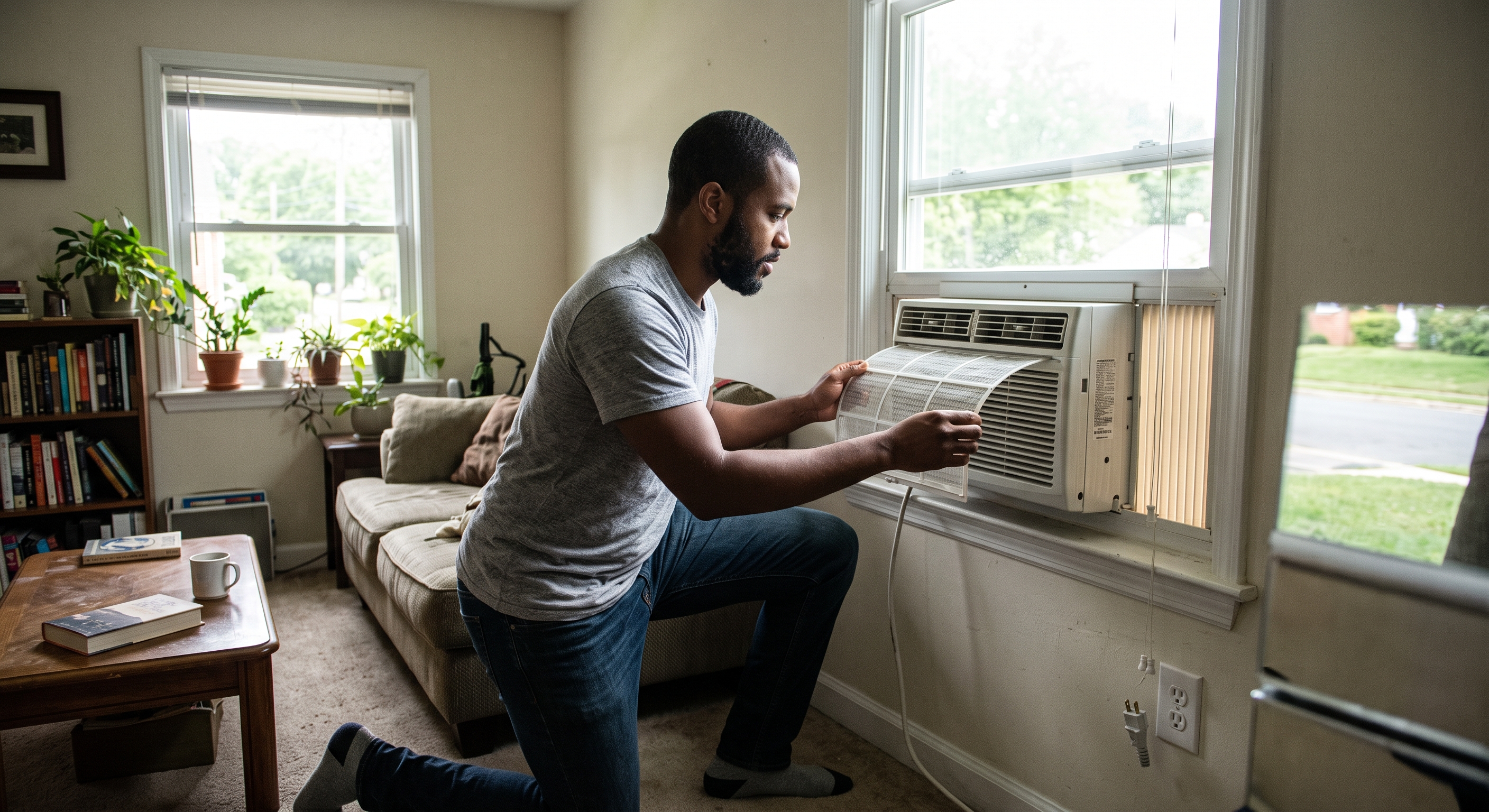
If your Richmond rental has a supplied portable or window air conditioner instead of, or in addition to, central cooling, use this guide for problems with that room unit. Portable and window AC equipment has different controls, filters, drainage, and installation from a central HVAC system.
If the property uses central air conditioning or a heat pump and that system is not cooling, use our AC Problems guide instead.
Key Takeaways
- Check the normal power, mode, temperature setting, airflow, and user-serviceable filter first.
- Turn the unit off and unplug it before removing a user-serviceable filter.
- Do not remove an installed window unit, loosen supports, open the housing, or work on electrical or refrigerant components.
- Water entering the room, damaged cords, sparking, burning odor, or unstable mounting should be reported.
Unit Will Not Turn On
Confirm that the unit is connected to its normal outlet and that the display or control panel responds. Use the ordinary power button or remote supplied with the unit.
If the outlet itself appears dead, use our Outlet & GFCI Problems guide.
Do not use a damaged cord or plug. Sparking, scorching, unusual heat, burning odor, or electrical buzzing belongs in the Electrical Warning Signs guide.
Unit Runs but Does Not Cool Well
Check the normal control panel:
- confirm the unit is in Cooling mode rather than Fan-only mode;
- set the target temperature below the current room temperature;
- make sure the room-side air intake and outlet are not blocked by curtains, furniture, or belongings; and
- check the user-serviceable filter if your model has one.
Clean a User-Serviceable Filter
Filter access varies by model. Follow the instructions for the exact unit supplied at your property.
For a clearly user-serviceable washable filter, turn the air conditioner off and unplug it before removal. Clean the filter according to the manufacturer instructions and allow it to dry fully before reinstalling it.
The video above demonstrates one LG window-AC design. Your unit may open differently, so do not force a grille, filter, or panel that does not release normally.
Portable AC Checks
For a supplied portable unit, visually confirm that the normal room-side exhaust hose remains connected and is not obviously crushed or blocked. Do not dismantle the hose assembly or alter a window adapter.
Some portable units collect or drain condensate differently depending on model and operating mode. If the unit shows a water or drain indicator, use the exact manufacturer instructions for that model rather than opening or removing unfamiliar drain components.
Water Is Coming Into the Room
If water is leaking onto an interior sill, wall, floor, or nearby belongings, turn the unit off and unplug it if the plug can be reached safely from a dry location.
Do not remove a window unit, loosen mounting hardware, tilt it, or alter exterior supports. Photograph where the water is appearing and protect nearby belongings.
Window Unit Looks Loose or Unstable
Stop using the unit and keep clear of it. Do not attempt to remove, reposition, lift, or re-secure a supplied window air conditioner yourself.
When to Submit a Maintenance Request
If the unit still does not power on or cool after the safe checks, repeatedly leaks indoors, develops an unusual noise, has damaged electrical components, or cannot be safely operated, submit a maintenance request through the resident portal.
Include whether the unit is portable or window-mounted, the model label, control-panel photo, current setting, filter condition, and photos of any water or mounting concern.
Return to Special Systems in Richmond Rentals for other property-specific equipment.
Published: September 2, 2026