
If the air conditioning in your Richmond rental is not working, start with three things: the thermostat, the airflow, and what the equipment is doing right now. A clear photo of the thermostat with the numbers visible is especially useful because it shows the current indoor temperature, mode, and set temperature at the same time.
This guide is for central air-conditioning and heat-pump cooling systems. If PMI James River supplied a portable or window air conditioner with your rental and that unit is not cooling, leaking, not turning on, or otherwise malfunctioning, use our Portable & Window AC Problems guide instead.
This guide covers common AC symptoms that are reasonable to check without opening equipment or trying to diagnose a refrigerant, electrical, or mechanical failure. If the simple checks do not solve the problem, submit a maintenance request through your Rentvine resident portal with the details listed below.
Key Takeaways
- Start by sending a clear thermostat photo and confirming Cool mode, the set temperature, and Fan Auto.
- Check accessible filters, supply vents, and return grilles before assuming the AC itself has failed.
- If you see ice, stop running the cooling cycle and let the system thaw. Do not chip or remove the ice.
- Smoke, sparking, a burning electrical odor, or water at energized equipment is a stop condition rather than ordinary AC troubleshooting.
In This Guide
- Stop for safety first
- AC will not turn on
- AC runs but does not cool
- Cycling, outdoor unit, and shutoff problems
- Ice, frost, or water
- Unusual noise or odor
- What to send us if the problem continues
Stop for Safety First
Do not continue ordinary HVAC troubleshooting if you see smoke or sparking, smell a strong burning electrical odor, or find water in contact with energized electrical equipment. Use the appropriate instructions in our Emergency vs. Urgent vs. Routine Maintenance guide.
Do not open an air handler, furnace, condenser, electrical compartment, or refrigerant system. The resident troubleshooting boundary is normal controls, accessible filters and vents, simple observation, and reasonable water-damage mitigation.
AC Will Not Turn On
Start at the thermostat:
- Take a photo showing the current temperature, set temperature, and mode.
- Confirm the thermostat is set to Cool.
- Set the cooling temperature below the current room temperature.
- Set the fan to Auto for troubleshooting.
If the thermostat displays a message such as Wait, Waiting for Equipment, or a blinking cooling indicator, leave the settings alone for several minutes. Many thermostats intentionally delay a compressor restart to protect the equipment. Honeywell Home, for example, describes a normal compressor-protection delay of up to about five minutes. If the message does not clear or the system still does not respond, use our thermostat troubleshooting guide.
Next, check whether an accessible HVAC filter is heavily loaded with dust and whether supply vents and return grilles are unobstructed. ENERGY STAR notes that a dirty filter makes a heating and cooling system work harder to distribute air. For weak or uneven airflow, use our HVAC airflow and filter guide.
If you can safely access the electrical panel and there are no electrical warning signs, you may check whether the clearly labeled HVAC or AC breaker has tripped. A tripped breaker may be reset once by moving it fully Off and then On. If it trips again, stop resetting it and report the problem.
AC Runs but Does Not Cool
If air is moving but it feels warm or the home is not cooling, check the thermostat and airflow first. Fan On can circulate room-temperature air even when the compressor is not actively cooling, so use Fan Auto while troubleshooting.
Check these ordinary conditions:
- Is the thermostat actually calling for cooling?
- Is the accessible filter heavily dirty or incorrectly fitted?
- Are supply vents open and unobstructed?
- Are return grilles blocked by furniture, boxes, rugs, or other belongings?
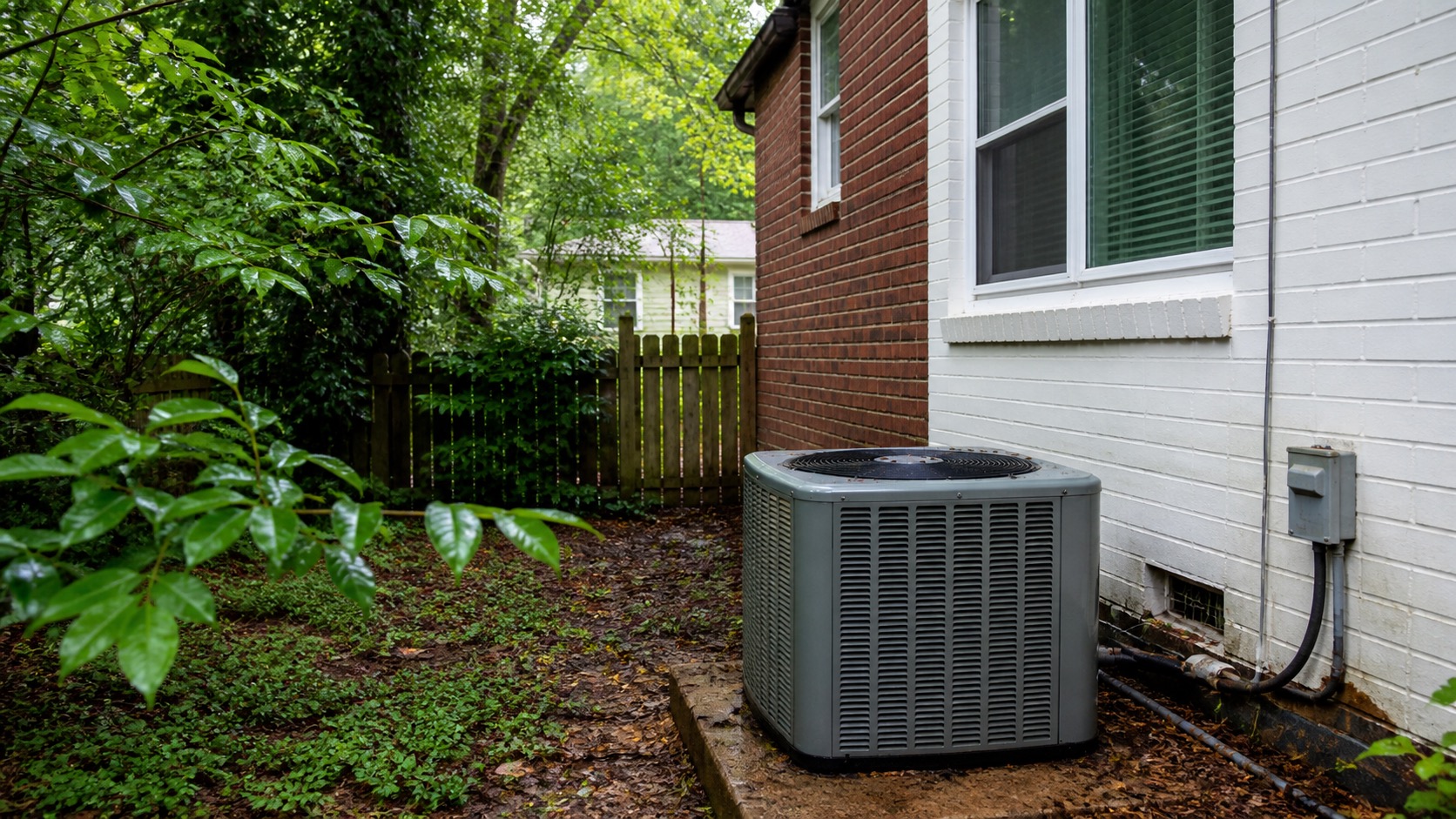
- From a normal ground-level location, does the outdoor unit appear to be operating when the thermostat is calling for cooling?
- Is the problem throughout the home or mainly one room or floor?
If only one room or part of the home has poor airflow while the rest of the system appears to work normally, the airflow troubleshooting guide is the better next step.
If the system is calling for cooling but the air remains warm, the outdoor equipment does not run, or the indoor temperature continues moving in the wrong direction after the safe checks, submit a maintenance request.
Cycling, Outdoor Unit, and Shutoff Problems
AC keeps turning on and off
Repeated short starts and stops can have several causes. Check the thermostat settings, accessible filter, and airflow first. Do not keep changing the temperature rapidly in an attempt to force the equipment to run.
If the system continues starting and stopping repeatedly after those checks, report it. The internal cause requires HVAC evaluation rather than resident diagnosis.
The outdoor unit is not running
If the thermostat is calling for cooling and indoor air is moving but the outdoor unit does not appear to run, complete the thermostat, filter, vent, and one-time breaker checks above. Do not remove the outdoor disconnect cover, touch electrical components, or open the condenser.
The AC will not shut off
First check whether the fan is simply set to On. With Fan On, air may continue moving even when active cooling has stopped. Change it to Auto and observe the system.
If the thermostat reaches the set temperature but active cooling appears to continue indefinitely, or the equipment does not respond to an ordinary Off command, submit a maintenance request.
Ice, Frost, or Water Around the AC
Ice or frost is visible
If you see ice or heavy frost on the AC system or refrigerant lines, turn the cooling mode Off. If the thermostat allows it and there are no electrical or water hazards, the fan may be set to On while the system thaws.
Do not keep running Cool while the system is frozen, and do not chip, scrape, heat, or pull the ice off.
Check the accessible filter and obvious airflow obstructions. If the system freezes again after thawing, or cooling does not recover, submit a maintenance request.
Water is appearing near the indoor HVAC equipment
Air conditioners remove moisture from indoor air, but water should not be spreading through the home. If water is actively spreading, turn the cooling Off. If safe, use towels or a container to catch water and move belongings out of the affected area.
Do not open HVAC panels or climb into an attic, crawlspace, or other unsafe location to clear a condensate line. ENERGY STAR notes that plugged HVAC drains can contribute to water damage and humidity problems, but drain-system diagnosis and internal clearing belong with service when the accessible resident checks do not resolve the symptom.
If water is near electrical equipment, stop and use the appropriate safety route rather than continuing HVAC troubleshooting.
Unusual Noise or Odor
A new grinding, screeching, repeated banging, strong electrical buzzing, or other clearly abnormal mechanical sound should be reported. If the system is making a severe mechanical noise, turn it off rather than repeatedly operating it to reproduce the symptom.
A burning electrical or melting-plastic odor is a stop condition. Turn the system off if it is safe to do so and follow the appropriate emergency or maintenance route.
If the concern is primarily weak airflow or an odor associated with a dirty filter, start with our airflow and filter troubleshooting guide.
What to Send Us if the Problem Continues
If reasonable troubleshooting does not resolve the problem, submit a maintenance request through Rentvine. Include:
- a clear photo of the thermostat with the numbers visible;
- the current indoor temperature and set temperature;
- whether the thermostat is set to Cool and Fan Auto;
- whether air is coming from the vents and whether it feels cool, warm, or room temperature;
- whether the outdoor unit appears to be running;
- photos of any visible ice or water;
- any unusual sound, odor, display message, or error code;
- whether the problem is constant or intermittent; and
- which safe checks you tried and what happened.
Frequently Asked Questions
Should my AC always keep the home 15 to 20 degrees cooler than it is outside?
No. Comparing the thermostat directly with the outdoor temperature is not a universal pass-or-fail test for an air conditioner. Cooling performance depends on system sizing, airflow, humidity, indoor heat load, building conditions, equipment condition, and the outdoor design conditions the system was designed around. ENERGY STAR's HVAC design guidance likewise uses location-specific design temperatures and load calculations rather than one universal outdoor-to-indoor temperature difference.
For resident troubleshooting, focus on what the system is actually doing: correct thermostat settings, airflow, visible ice or water, whether the outdoor unit operates, and whether the indoor temperature is moving in the intended direction.
Are most AC problems caused by a dirty filter?
A dirty filter can absolutely restrict airflow and make the system work harder, but there is no useful basis for treating nearly every AC problem as a filter problem. Check the filter because it is a simple and important first step. If the problem remains, report the actual symptoms rather than assuming the filter explains them.
Is loss of air conditioning automatically an after-hours emergency?
PMI James River does not classify loss of cooling by itself as an after-hours maintenance emergency. Report the failure promptly through the normal maintenance process. A separate active hazard such as smoke, sparking, a burning electrical condition, or uncontrolled water damage follows the applicable emergency rule.
Continue Through the Heating & Cooling Guides
If the AC problem is really a control issue, use the thermostat troubleshooting guide. For weak or uneven airflow, use the airflow and filter guide. For a heating problem, use the heating troubleshooting guide.
You can also return to the PMI James River troubleshooting library or the broader Resident Maintenance hub.
Published: September 2, 2026